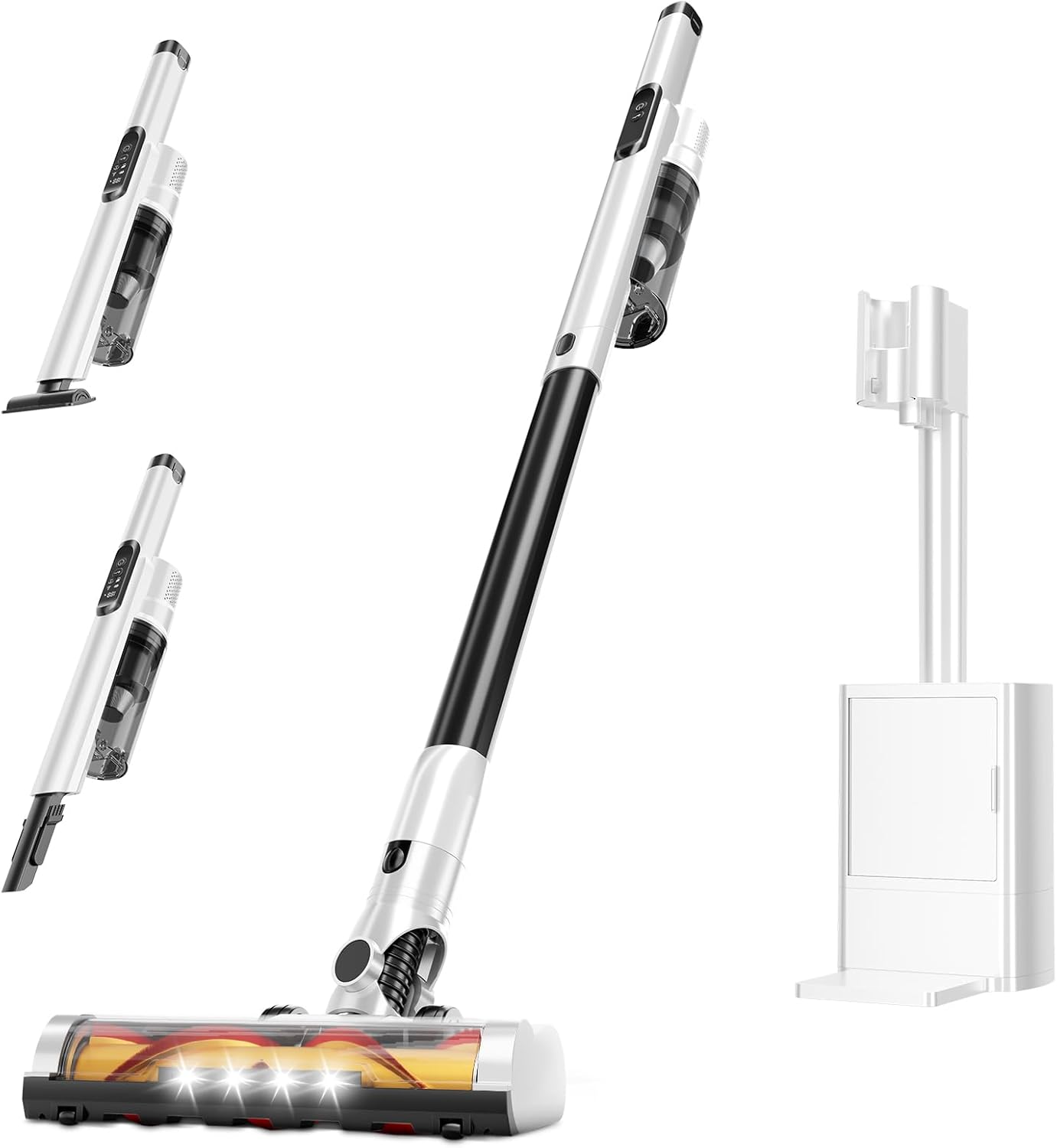
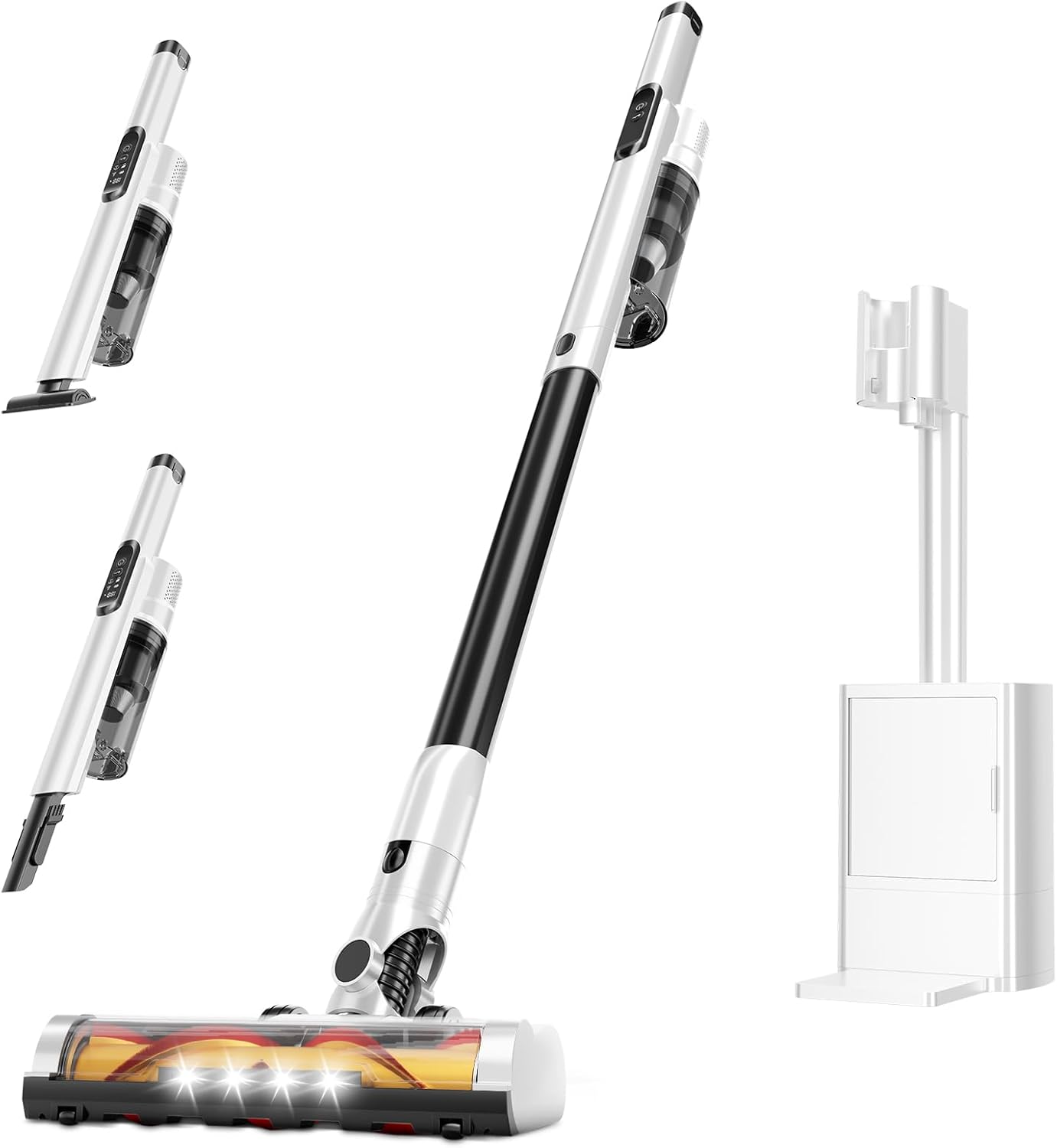
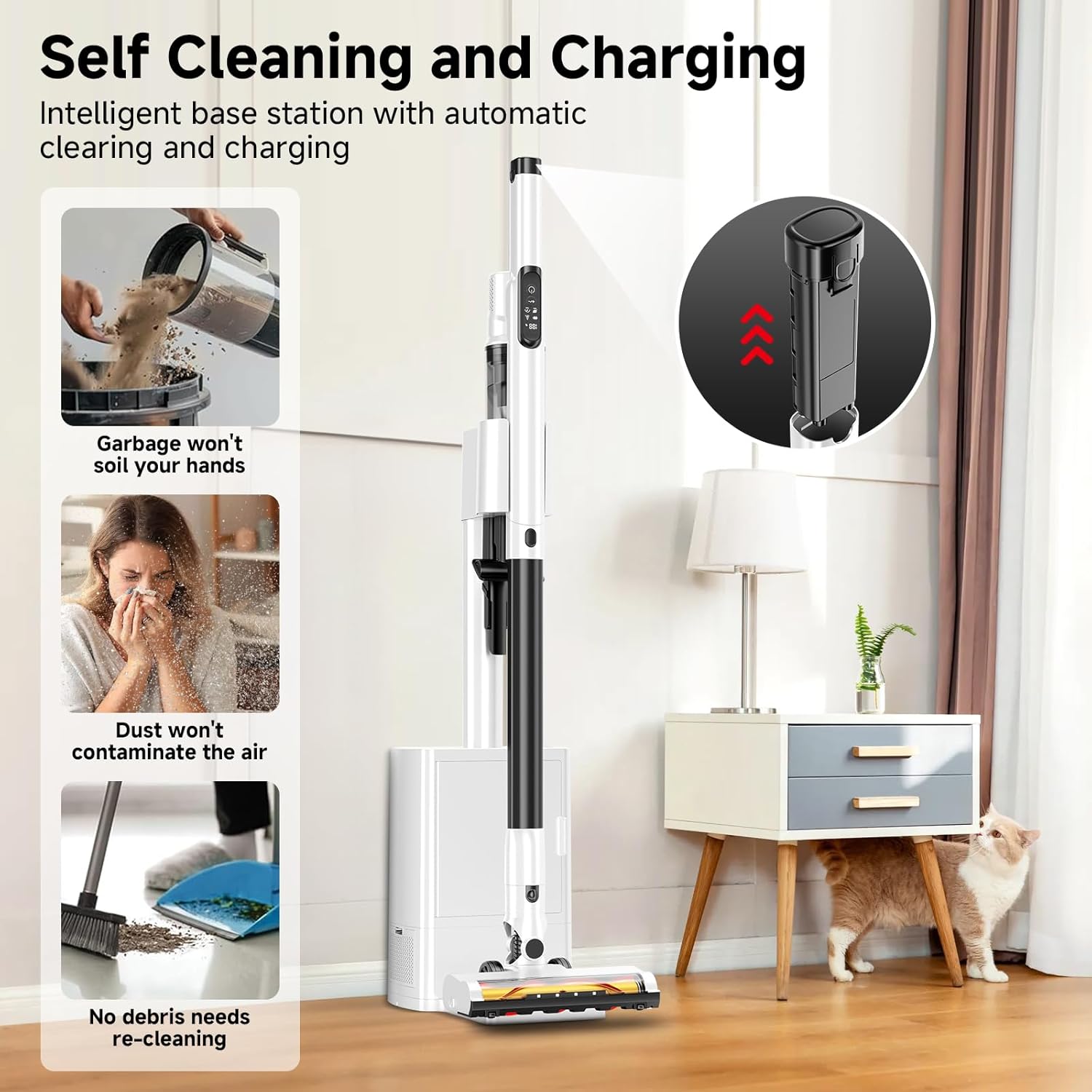
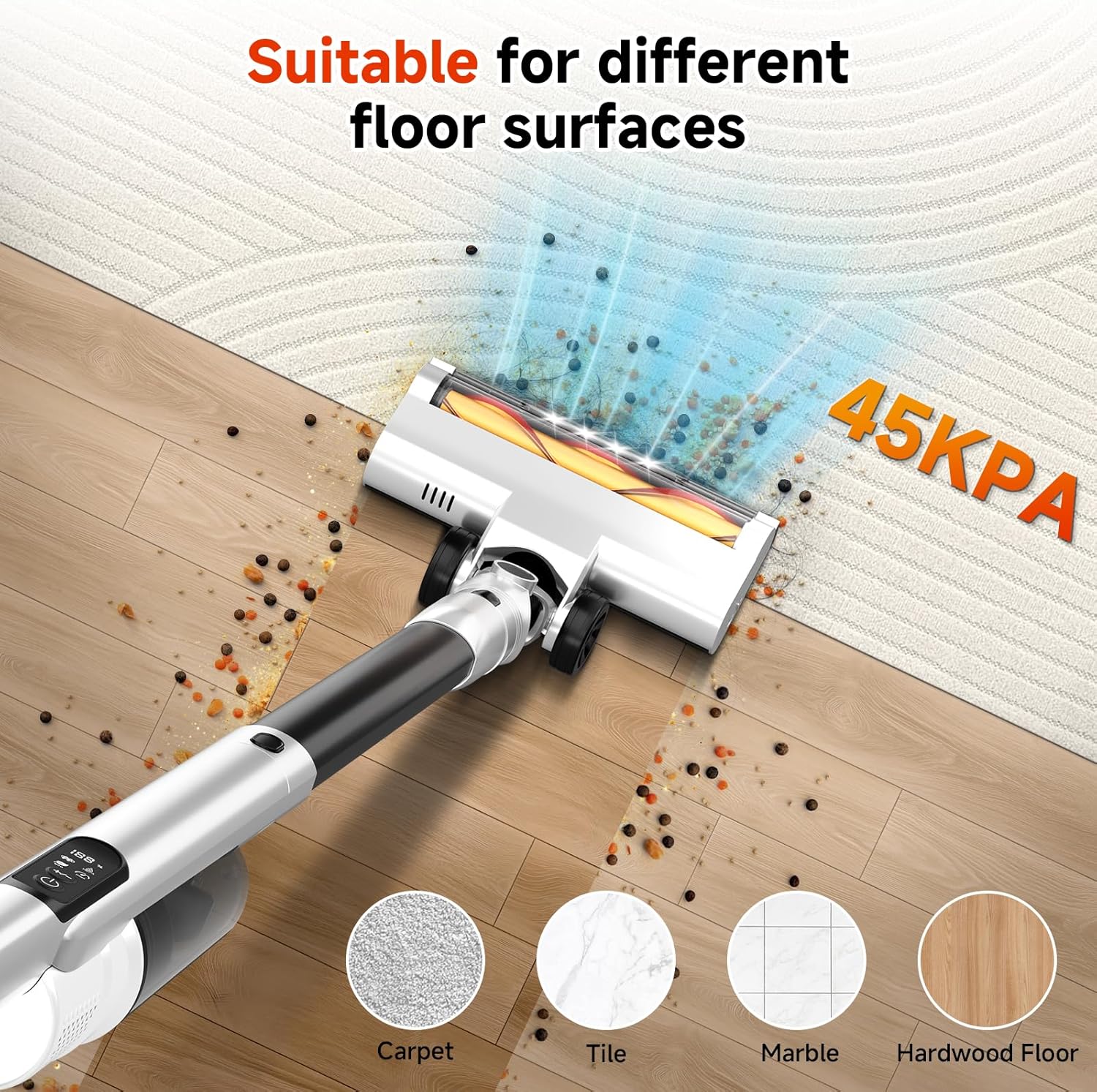
Cordless Stick Vacuum Cleaner with Auto Empty System Self-Charging Base, Powerful Suction for Pet Hair on Carpet & Hardfloor, Lightweight Anti-Tangled Handheld Vacuum, HEPA Filtration, Black
-
Detail
How to clean the filter?
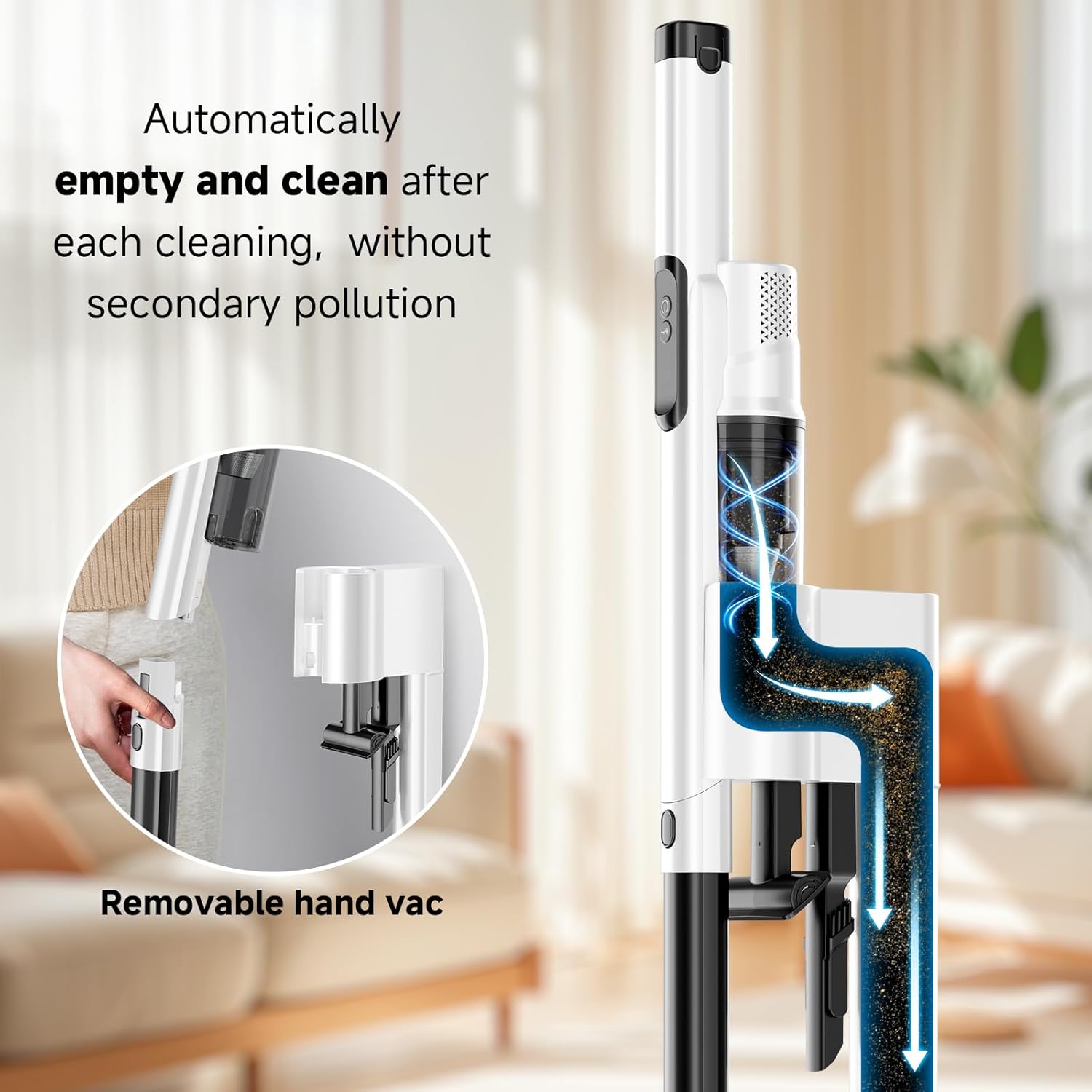
To clean and wash the filters, press the tank button on the vacuum cleaner body.
Remove the filters and wash them.
Then place the filter back into the dust container. Reattach the dust bin to the motor unit by reversing the removal steps.
How often do you clean the Hepa/brush?
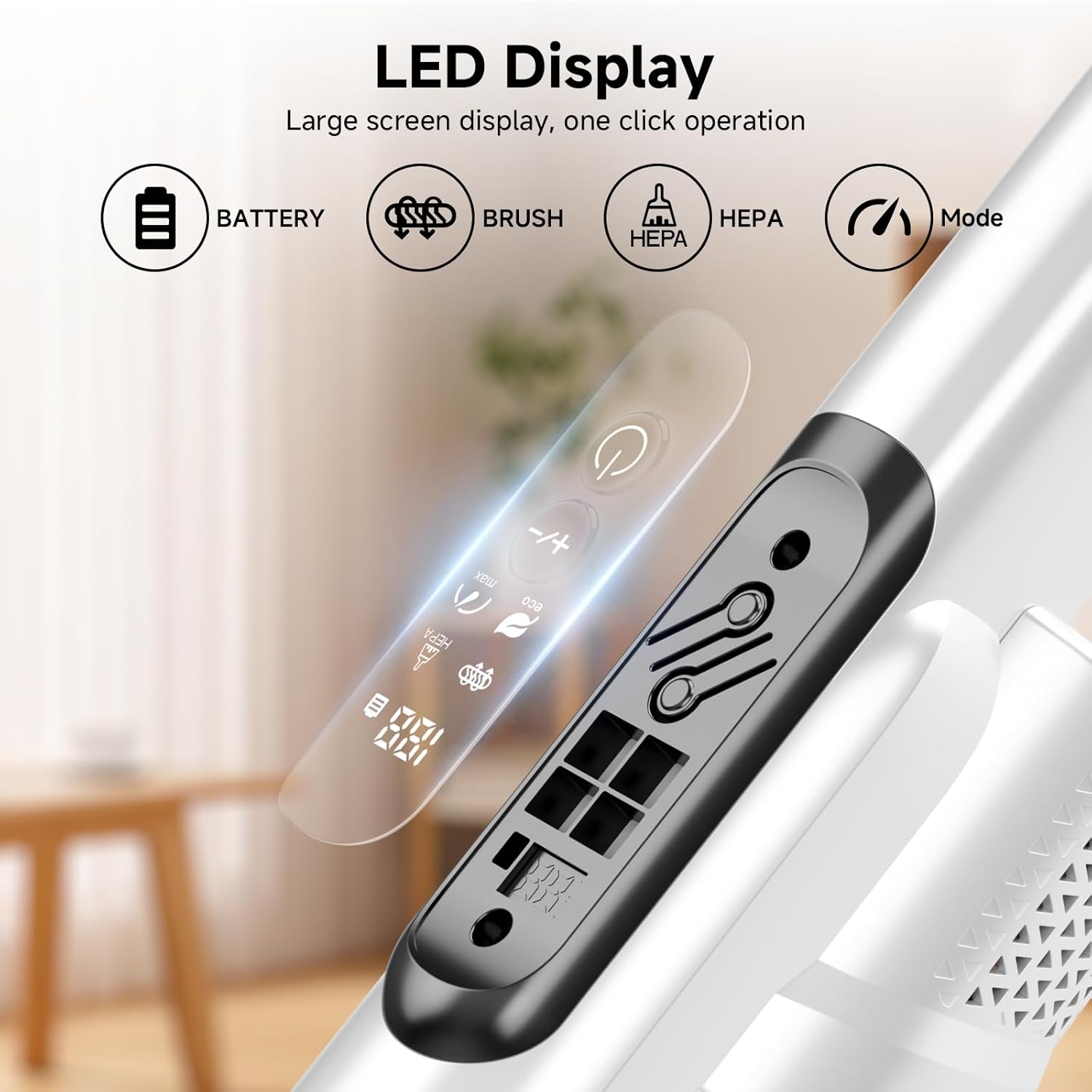
When the filter is blocked, the light of hepa logo on the LED display screen will flash to reminder you to clean the filter.
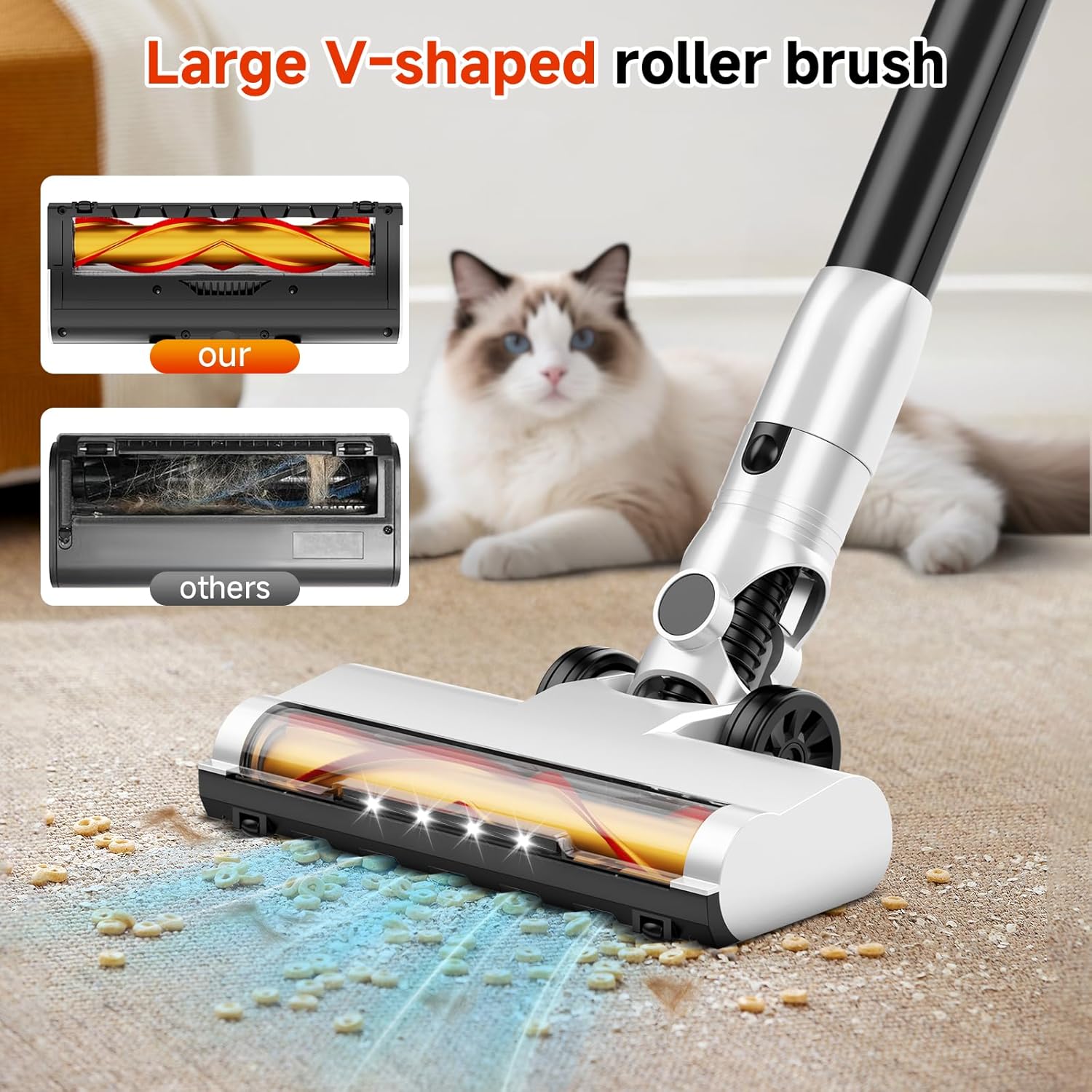
When the brush is blocked, the light of brush logo on the LED display screen will flash to reminder you to clean the brush.
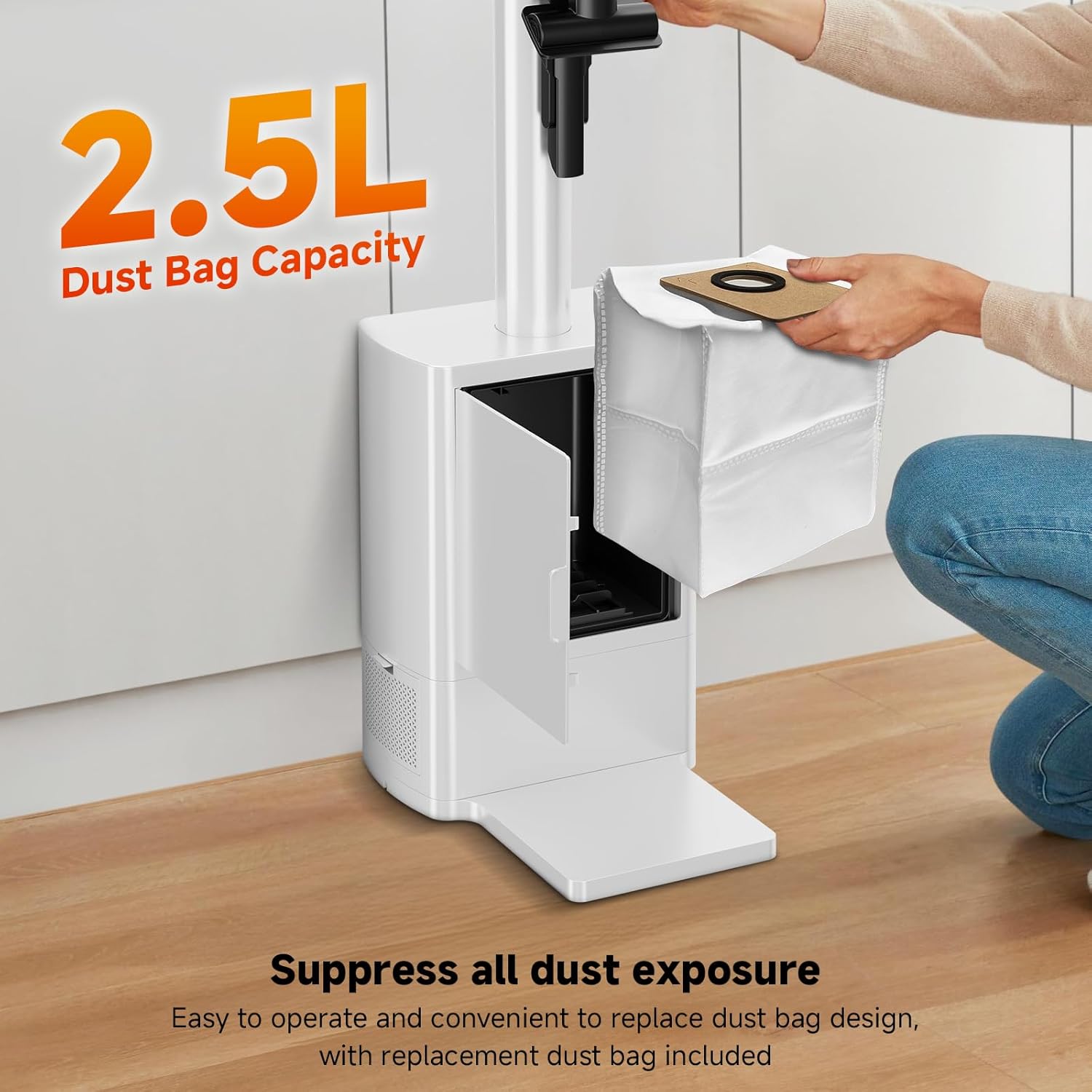
How to replace the dust bag?
Open the door on the base stand to remove and replace the dust bag.
The vacuum comes with 1 dust bag installed and 2 spare ones.
What is the function of the buttons on the base station?
Press the unit's button to manually clean. Hold for 3 seconds to disable cleaning (white light on).
Hold again to resume (light off).
A full dust bag triggers a flashing white light.
How can I provide after-sales service if there are any issues?
If you ever have any questions or difficulties while using the vacuum cleaner, you can reach out to the dedicated CS team through the contact information provided on the product page or in the user manual.
How to use the vacuum cleaner
How to clean the filter?
How often do you clean the Hepa/brush?
How to replace the dust bag?
What is the function of the buttons on the base station?
How can I provide after-sales service if there are any issues?
-
Customer ReviewsNo comments